CASE STUDY · WHOLESALE DISTRIBUTOR SHIPPING FROM ITS OWN WAREHOUSE
From scan to printed label, one screen
Packers retyped every address into a carrier website, then retyped tracking back into two systems. Now one scan prices every carrier, buys the label and updates both.
THE PROBLEM
The packer reads the address off one screen and types it into another, weighs the box and types that in too, compares carrier tabs by eye, then goes back into two systems to paste the tracking number. Per box.
- 5carrier platforms, one screen
- 0clicks in auto mode
- 2systems updated per label
- 113automated tests
The problem
Orders arrived in two places: a Shopify store and an in-house invoicing system. Shipping happened in a third place — whichever carrier website happened to be open in a browser tab.
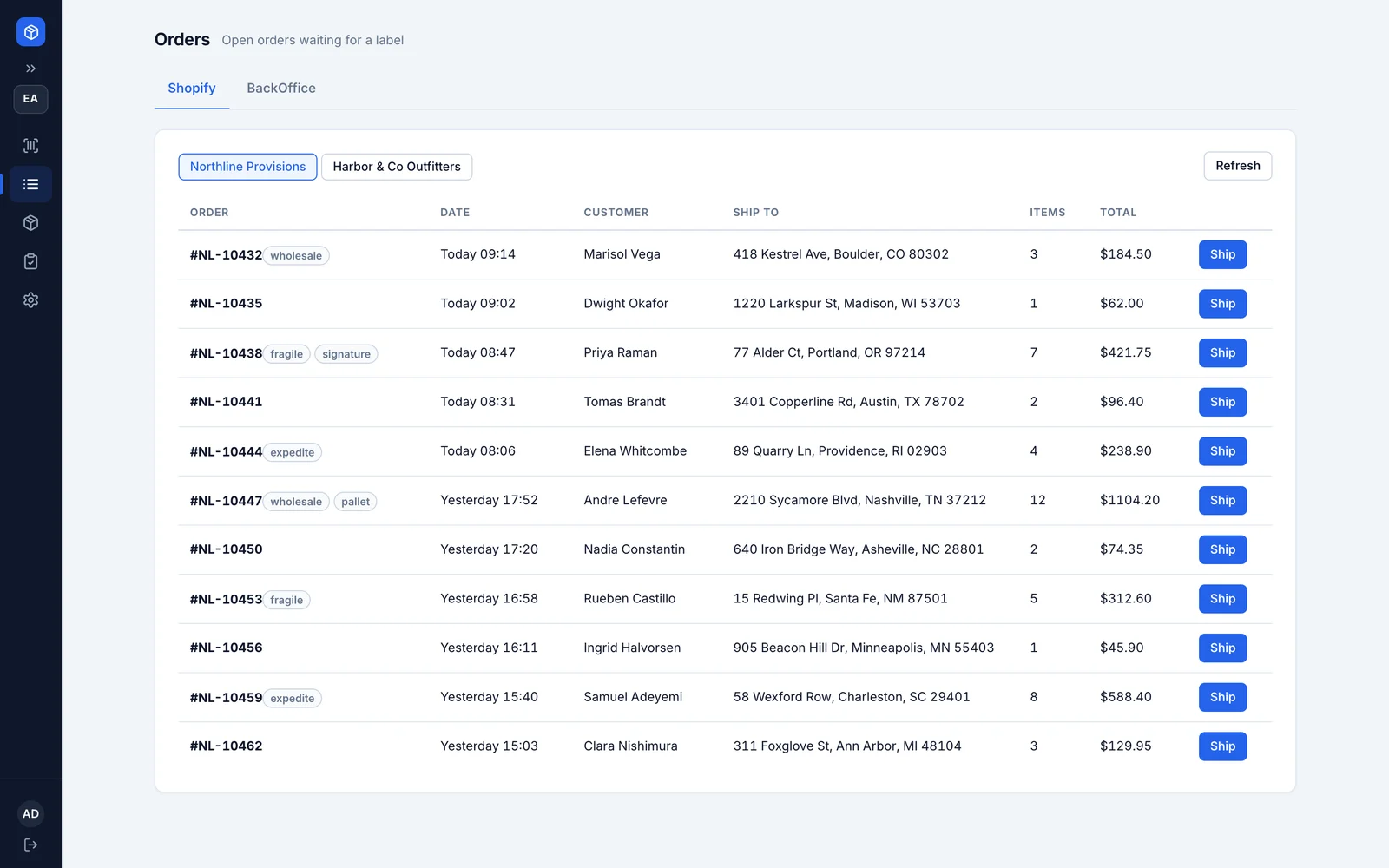
So the packer’s job was typing. Read the address off one screen, type it into the carrier’s site. Weigh the box, read the display, type the weight in. Open two more tabs to compare prices by eye. Buy the label. Click through a print dialog. Then back to the store to mark the order shipped and paste the tracking number, then into the invoicing system to type the tracking number and the shipping cost onto the invoice. Per box — so a three-box order meant doing all of that three times.
The worst part wasn’t the minutes. It was not knowing. If a label purchase timed out, nobody could say whether they’d been charged. And afterwards nobody could say which employee bought which label, or what an order had actually cost to ship.
What we built
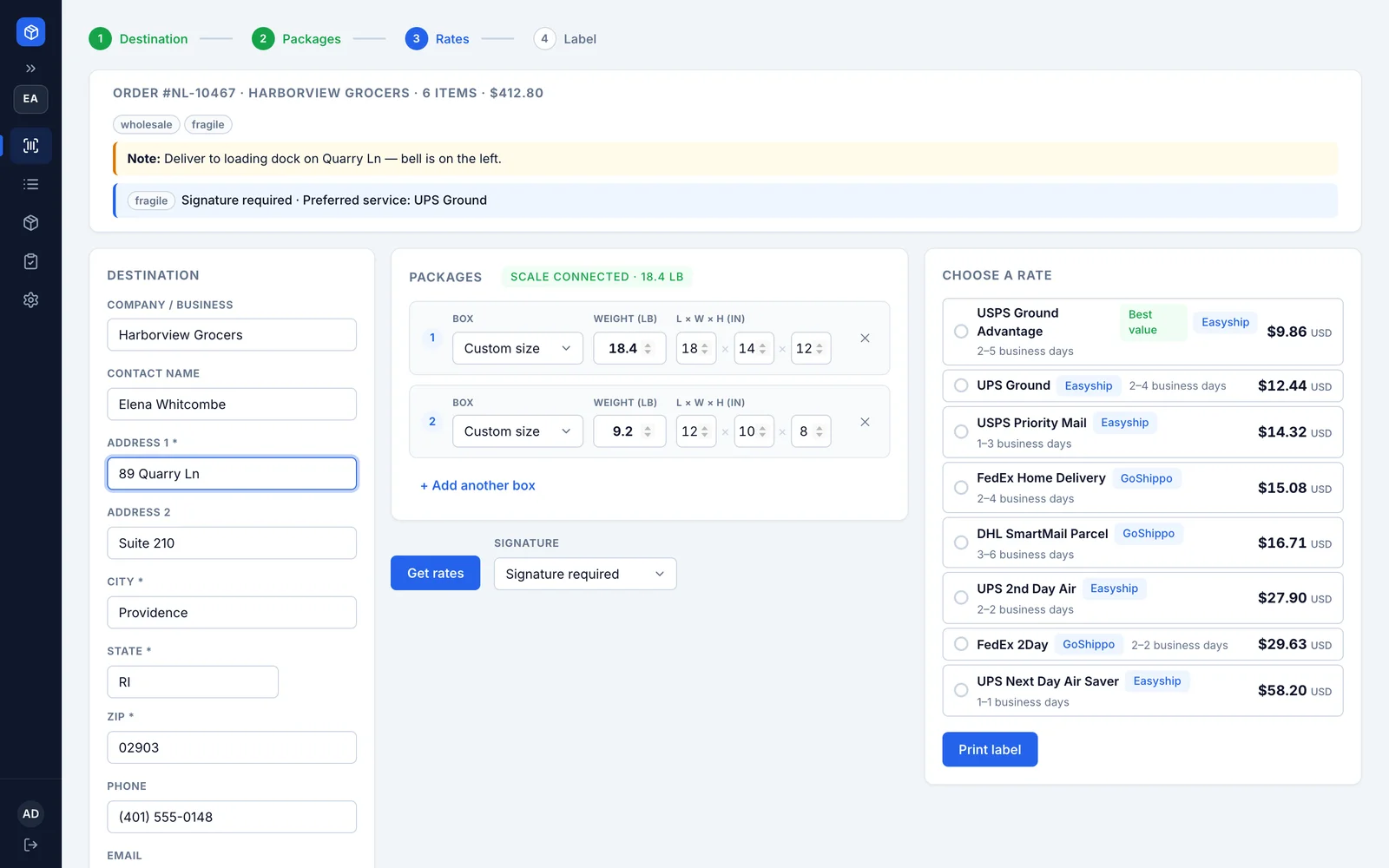
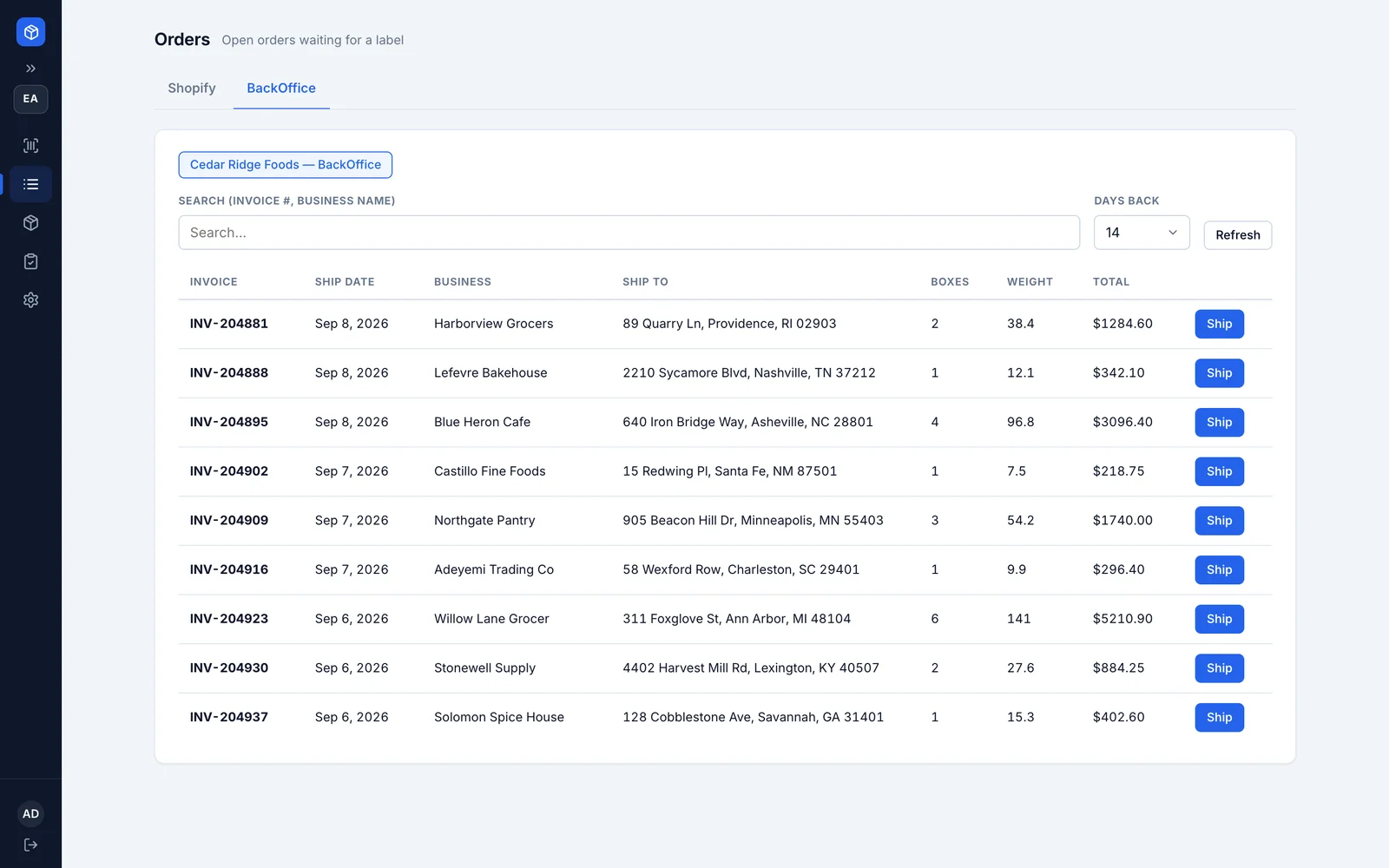
One screen. Scan the order barcode and the shipment builds itself, from whichever system the order came from. The scale fills in the weight by itself, waiting for the reading to settle before it trusts it. Prices come back from every carrier account, cheapest first. One click buys it. The label prints. The store is marked shipped and the customer notified, and the invoice gets its tracking number and shipping cost. Set to automatic, that’s zero clicks between the scan and the printed label.
The part that took the most care is the order things happen in, because this is a step that spends money. A label purchase is never just retried and hoped for. Every carrier is asked whether a label already exists before we try to buy again, and every purchase carries a reference the carrier can use to spot a repeat. The rule in the code is one label per shipment, maximum. It can’t double-charge you.
Then everything after the purchase is kept separate from it. If the store or the invoicing system can’t be reached, the shipment simply sits at “label created” with the problem noted, and a retry finishes the job later. A network hiccup can cost you a minute. It can never cost you a paid-for label.
Five carrier platforms sit behind one screen, with as many accounts of each as the client wants. Weights and sizes convert themselves — pounds and inches at the desk, whatever the carrier wants behind the scenes.
The result
The shipping desk went from four screens to one. Typing addresses is gone, typing weights is gone, and the two systems that used to be updated by hand are now updated by the same click that buys the label.
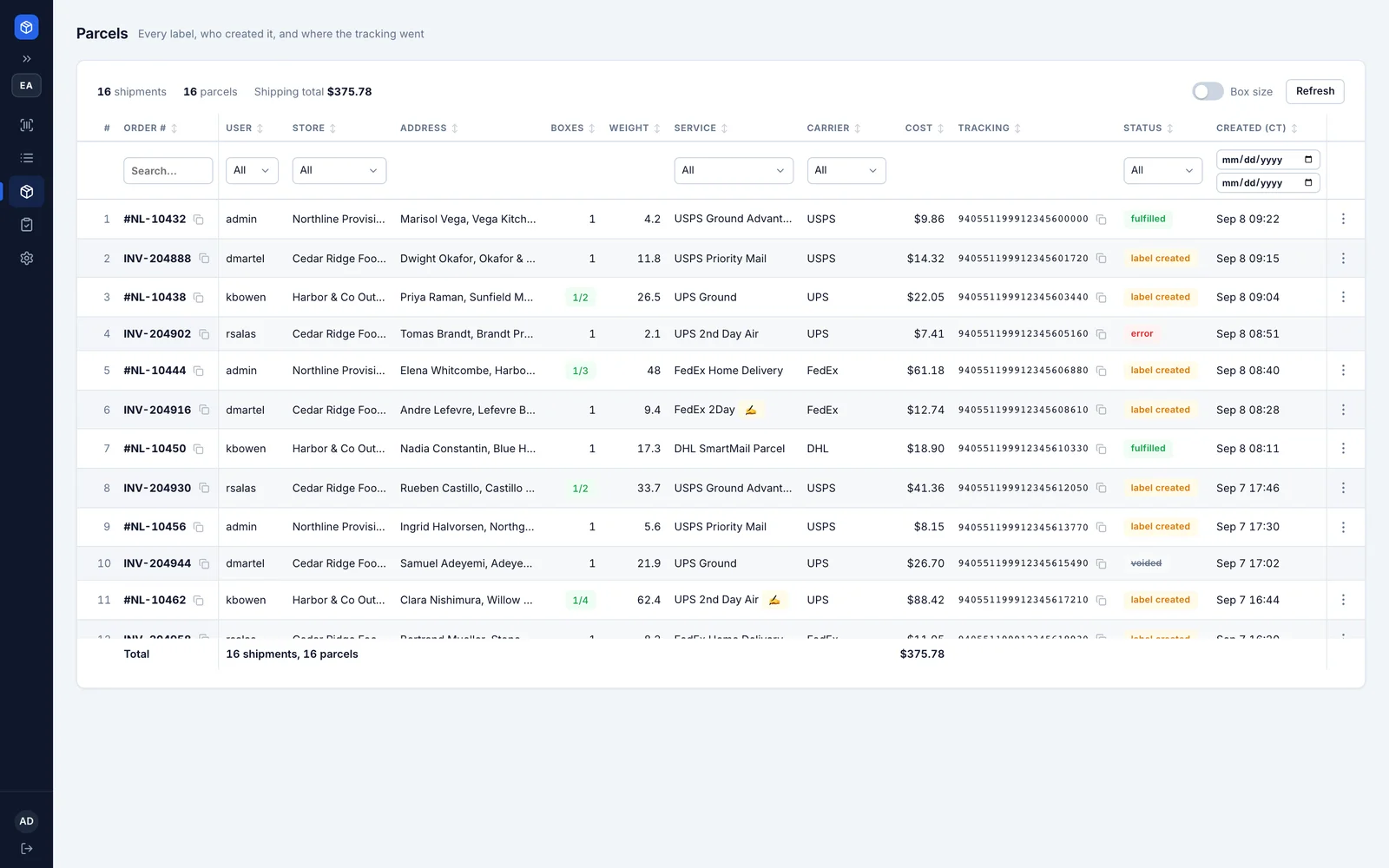
Voiding a label is a real undo now: it’s canceled with the carrier, the shipment is removed from the store, and the invoice fields are cleared — but only if they still hold what the system put there, so a number a person typed afterwards is never wiped out.
Because every label is tied to whoever bought it, the client can finally answer questions they couldn’t before: what did we spend on shipping this week, with which carrier, and from which station. End-of-day carrier paperwork, which used to be put together by hand, is now generated in a way that stops two packing stations from claiming the same label.
Why it holds up
- Safe with money by design. Purchases are checked before they’re tried again, everything after the purchase retries on its own, and a void only redoes the steps that actually failed.
- 113 automated tests across the carrier connections, the tagging rules and the write-back logic, all running without needing a database.
- Twenty tracked database updates applied in order at start-up, including one that went back and filled in a readable carrier name on every past shipment, so old records still make sense after a carrier is removed.
- An installer that sizes itself. It reads how much memory the server has and sets its limits from that, backs up the database before every update, and offers one last backup before it removes anything.
INSIDE THE SYSTEM
What it actually looks like
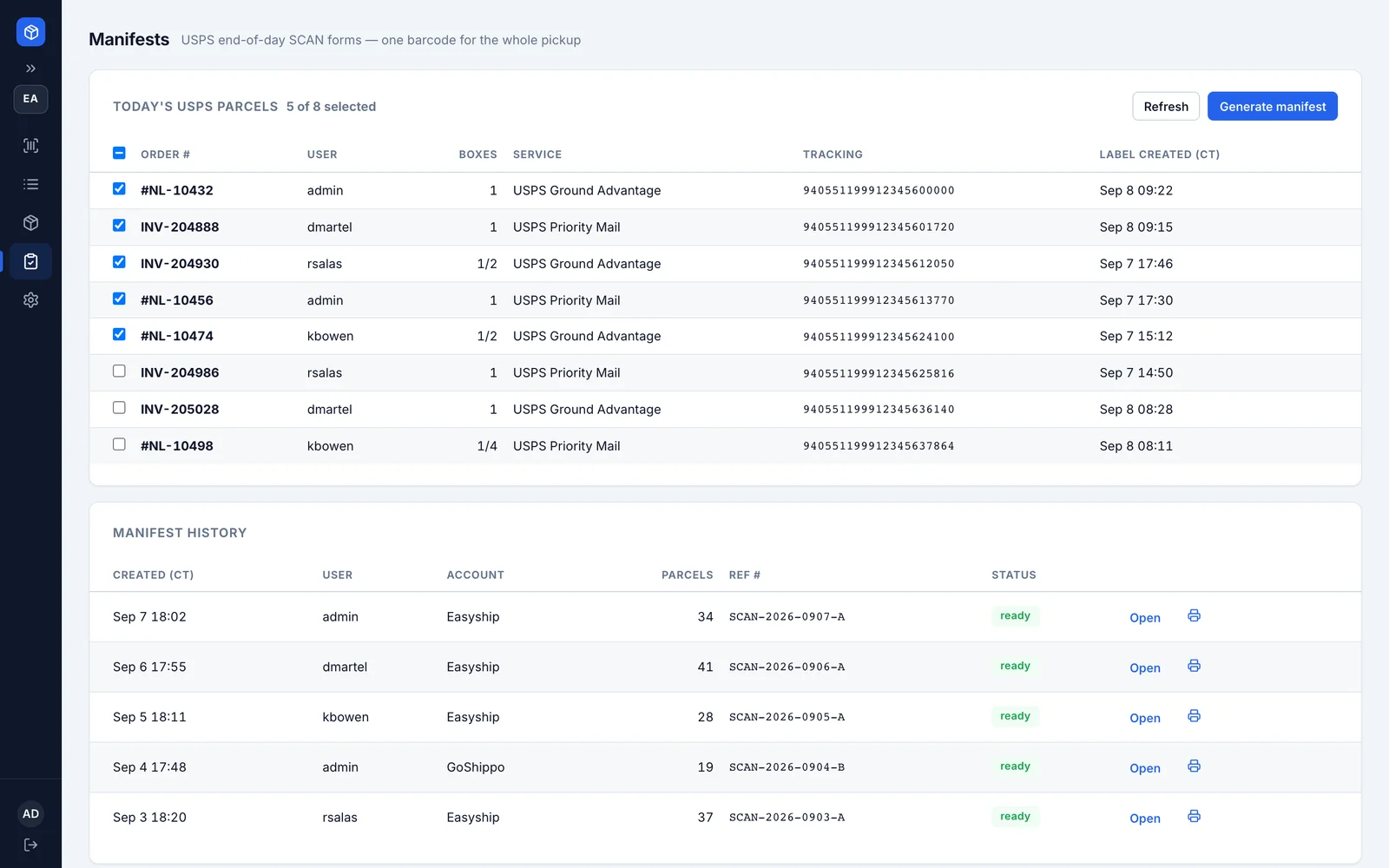
Before this, shipping a three-box order meant typing the same address three times and then going back into two systems to paste the tracking. Now the girls scan it and the label prints. Nobody has asked me for the carrier password in months.
NEXT
Related work
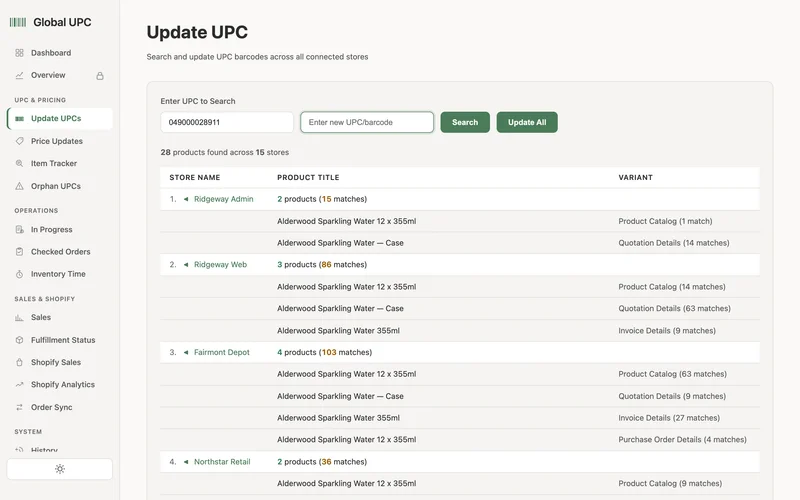
One barcode truth across every system
Changing one barcode meant opening five systems and editing it by hand — and every quote, purchase order and invoice ever raised still carried the old one, forever.
Read the case study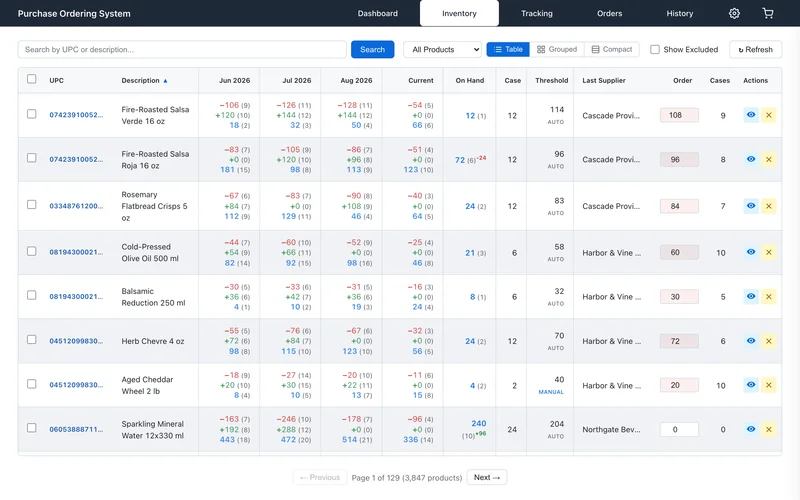
Reorder points that follow real demand
The reorder level in the system was a number someone typed once, years ago, for a product that sells nothing like it used to. Everyone knew it was wrong, so everyone ignored it and bought from memory instead.
Read the case study